The new school year is here, and we’ve introduced several enhancements designed to make your experience even better. Each one was developed out of feedback from teachers like you. Keep reading for an overview of what’s new for the 2026-27 school year and why it matters.
Prefer to watch? In this Summit session, our team walks through each new feature in depth, covering what it does, how it works, and the teacher feedback behind it. Watch Summit session.
New & Ready to Try (Just Opt In)
These are live now and waiting for you. You can have access in just a few clicks. If you haven’t opted in yet, here’s your sign that it’s time.
Teacher-Paced Mode: Keep the Whole Class on the Same Page
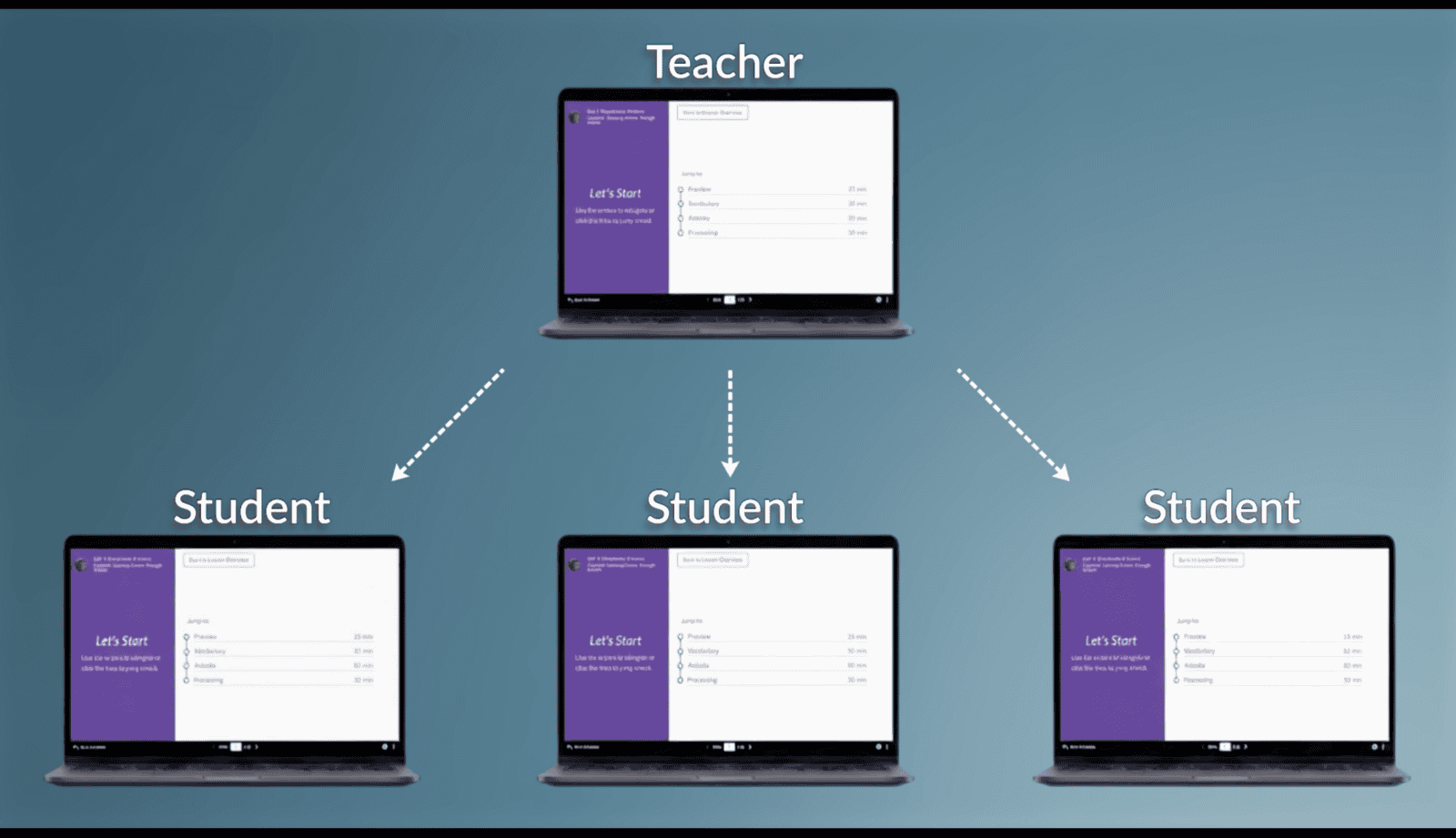
We’ve all had a class where a few students race ahead in a slideshow while others are still catching up. Teacher-Paced Mode fixes that. You guide the class through a slideshow in real time, and every student’s screen stays synced to yours, so no one races ahead, and no one gets left behind.
That togetherness pays off in the moment: with everyone on the same slide, it’s easier to pause for a class discussion, ask a question, and know that every student is looking at exactly what you’re talking about. Students can still explore interactions on the slide themselves. They just can’t wander off to a different one.
Starting a session takes seconds: open your slideshow, choose which students to invite, and go. Your toolbar shows who’s joined in real time, so you always know your class is with you.
Get started: Sign in to your account. Head to Settings > Opt-In Features and turn on Teacher-Paced Mode. It works in any slideshow, right away.
Want to see best practices for using Teacher-Paced Mode? Explore our Summit session on how to use Teacher-Paced Mode to lead your class in real time.
New Grades: Faster, More Flexible Grading with More on the Way
If you haven’t switched over to New Grades yet, this is the year to do it. We’ve added a batch of features that make grading faster and feedback more meaningful, and going forward, this is the only page where new grading tools will land.
A few highlights:
- Give feedback that actually helps. Comment on specific questions or assignments so students can see exactly what they did well and where to improve.
- Fix a score in one click. Score overrides let you adjust points for any student instantly. Add a bonus or correct an error without redoing the whole grade.
- See your LMS status at a glance. Those who use learning management systems (LMS), such as Canvas and Schoology, can now see when assignments are linked and when grades have synced, right in the interface. Hover over the status bubble for the last update and sync time. You can also resync with your LMS to make sure all systems are aligned.
New features will keep landing here first, so opting in now means you won’t fall behind on what’s next.
Get started: Sign in to your account. Head to Settings > Opt-In Features and opt in to New Grades. A fresh start to your gradebook for the new school year is available in just a couple of clicks.
TCI AI Features: Early Access Available for Districts
The next two features use AI to take time-consuming tasks off your plate, and both are in early access, available only to districts that have signed up. If you’re not sure whether yours has, check with your district admin.
Every TCI AI feature is grounded in our professionally written, standards-aligned content, keeps teachers in control, and never uses student or teacher data to train AI models. You can read more about how we think about this in TCI’s Approach to AI.
AI Leveled Reading Options: Reach Every Reader
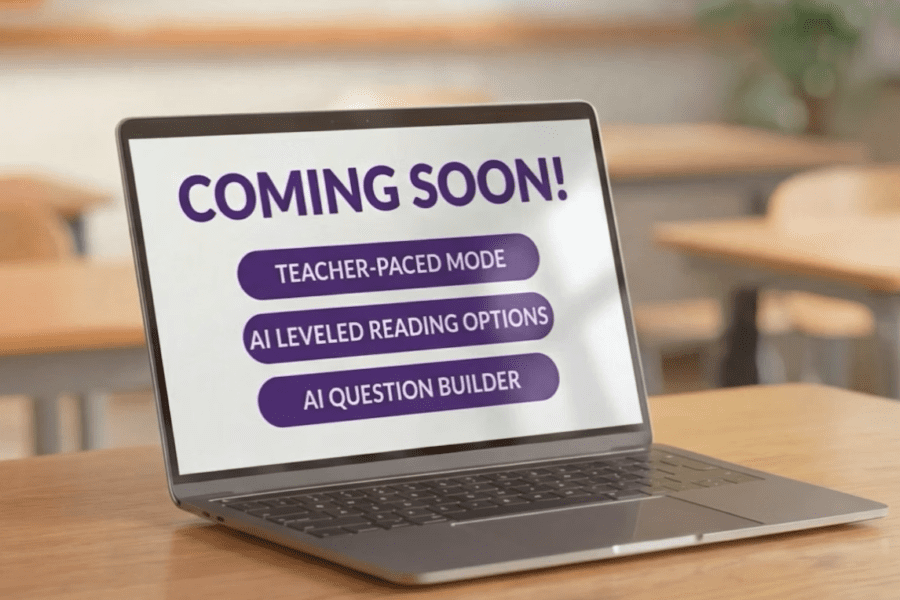
| Every class has a wide range of readers, and meeting each of them where they can lead to hours of extra prep by rewriting passages, hunting for alternate texts, or leaving some students without the support they needed. AI Leveled Reading Options solves that. This feature provides more reading levels for every section, meeting students where they are.
Every reading level stays true to the original, keeping the key ideas, vocabulary, and primary sources intact, so no matter which level a student reads, they’re learning the same content as the rest of the class. And because you can assign levels to individual students or your whole class at once, it’s one less thing to manage. Note: reading levels generated with AI are marked with an AI label. |
AI Question Builder: Build a New Assessment in Minutes, Grounded in TCI’s Lessons
| Writing good assessment questions from scratch is one of the most time-consuming parts of the job. Finding questions that actually match what you’re teaching is even harder. Question Builder takes that off your plate. Choose the lesson sections you want to draw from, and it drafts questions grounded in that content, so they always connect back to what students learned.
You stay in control the whole way: review everything it generates, keep only the questions that work for your class, and edit any of them before they go out. Every AI-generated question is clearly tagged so you always know where it came from. Only you can see the tag, not your students. Note: only multiple-choice questions are available today, with more question types on the way. |
Student Standards Report: See Standards Mastery Without the Manual Math
Tracking whether students are actually meeting state standards is not always a smooth process—sometimes it could even mean piecing together the data yourself. Standards reporting does that work for you. TCI’s pre-built assessments include questions already correlated to your state’s standards. As you assess and grade, the report builds itself, turning scores into a clear picture of standards mastery for your whole class.
Visuals make it easy to spot which concepts need more attention before you move on, and when you want to check in on one student, you can drill into their individual performance with a click. Used throughout the year, it becomes a running record of how your class is progressing toward every benchmark.
Standards reporting has been available in Florida for a while, and it’s now live in California too. We’re rolling it out to more states through the fall. Check back for updates.
Built with Teachers, for Teachers
The features we develop all start with something a teacher told us: that grading took too long, that reaching every reader meant hours of prep, that tracking standards shouldn’t require a spreadsheet. We listen closely to that feedback, and it shapes what we build. Thank you for helping us make TCI better.
Keep the ideas coming, and we’ll keep turning them into tools that give you time back for what matters most: your students.