Get Started with TCI

Teacher holding a laptop

Start Your TCI Journey: Onboarding Made Easy

Welcome! Whether you’re a tech admin, district admin, or teacher, we’ve got the resources to help you get started. Follow the steps below for a seamless onboarding experience.

Plan Your Back-to-School
Implementation Training Now

Kick off your year with confidence—TCI is offering a summer webinar series designed to fit your schedule. Join live sessions in August (choose your time!) or access our on-demand training anytime. Register now and automatically add it to your calendar. Get started with TCI!

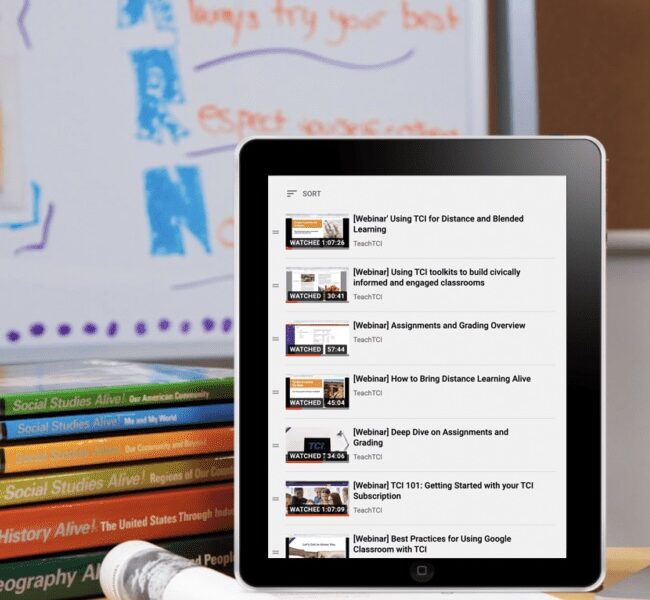
TCI Webinar Library

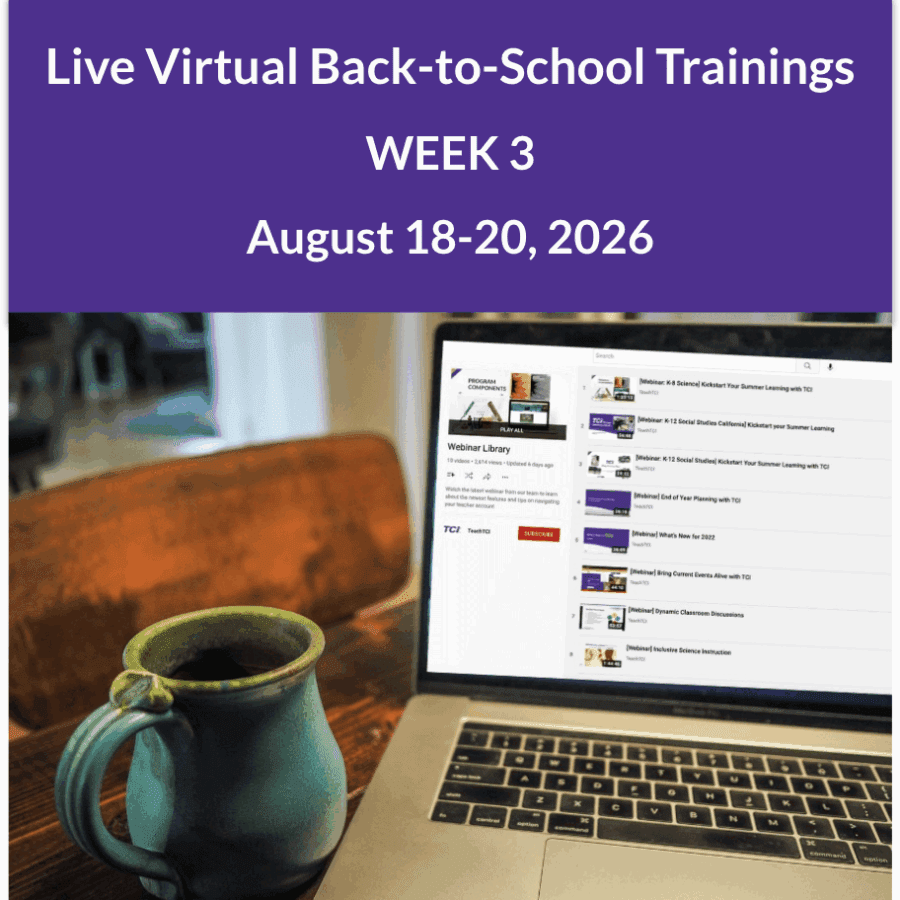
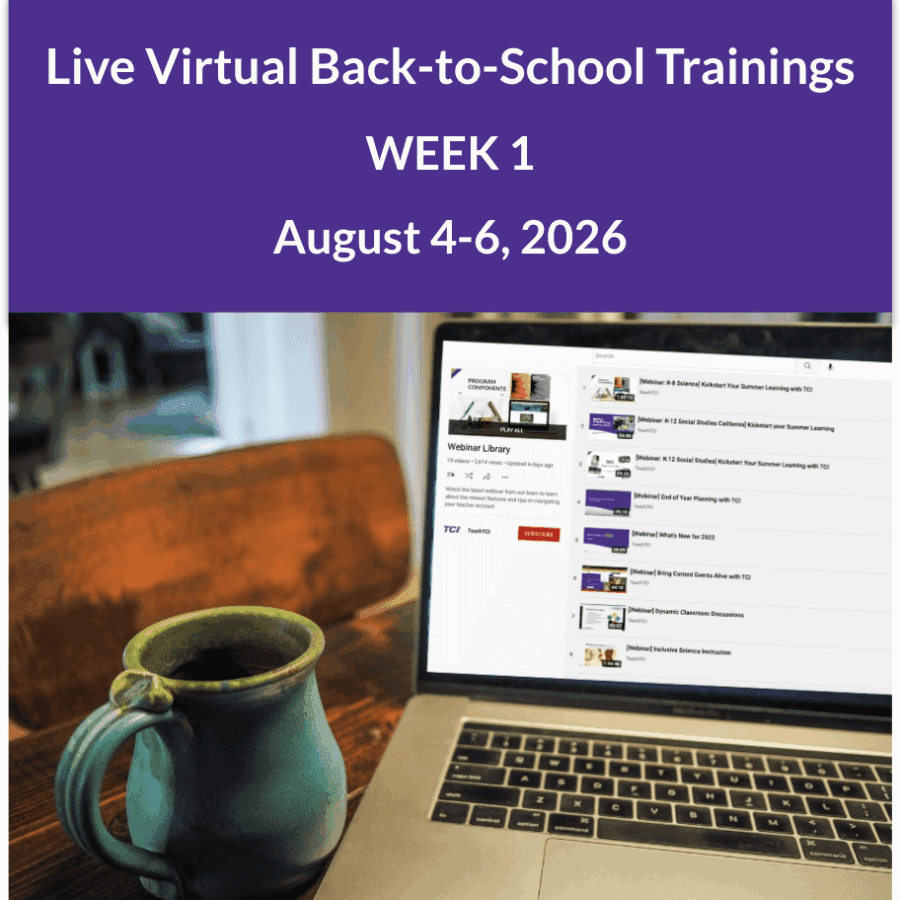
Live Virtual Back-to-School Trainings — August 2026

Kick off the new school year with small-group, grade-band training designed to fit your schedule. Dates are available—sign up now!

Throughout August, TCI will host live virtual implementation sessions for one hour to allow time for Q&A.
Sessions will run Tuesdays, Wednesdays, and Thursdays.

Attend the session that works best for your schedule—register once and the event will be added directly to your calendar.
Prefer to learn at your own pace? Explore our on-demand training library anytime.

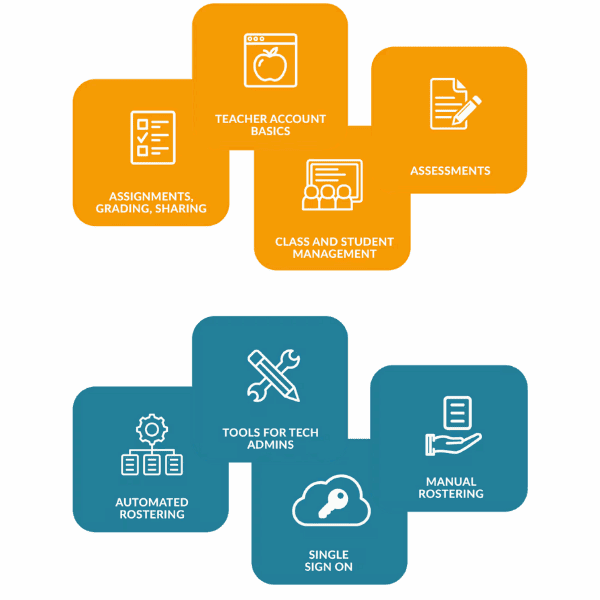
Tech Admin Setup:
Preparing Your District for TCI

Check out our Back to School webinar for a walkthrough of TCI’s admin dashboard, including admin settings, user and program management, tech integrations, and more!

New tools for admins.

Steps to Get Started

  1. Set up admin access:
  2. Set up rostering and integrations: Explore our guides.
  3. Finalize and notify teachers: Test and go live with rostering. Share access details with teachers so they can get started.

District Admin Setup: Getting Materials to Your District

Steps to Order

  1. Get a quote: Connect with a TCI Sales Rep or our Customer Success team to determine quantities and license length.
  2. Submit your order:
  3. Share access with teachers: Once materials arrive, send teachers this Getting Started Guide to help them navigate TCI.

Teacher Setup: Your District Just Adopted TCI—Now What?

Welcome! Follow these quick steps to get started with TCI in your classroom.

USI-The Rise of Industry

Steps to Get Started

  1. Sign in: Use your district’s single sign-on, or sign in through TCI’s website
  2. Check programs and classes: Make sure your programs and classes are ready. Need help? Check out our class and student management guides.
  3. Explore TCI’s teacher resources: Access Professional Development courses for:
    • Navigate and Plan with TCI course
    • Assign and Grade with TCI course
    • Courses on using TCI with your LMS
  4. Stay up to date: Learn about the latest platform features.

Ongoing Support: Stay Supported Year-Round

Your journey with TCI doesn’t stop after onboarding!

Quick Links and Resources Hub: Find What You Need, Fast

TCI Coaches

Explore these helpful resources.

Customer Support

We’re Here to Help!

Have a question for our team? Need help with purchasing or an order? Your TCI license or technical integrations? Perhaps a return or refund?

Get Help from Our Team