
Get the Support You Need
Which best describes you? Choose your path to find helpful guides and ongoing support:
- I’m a Teacher: Onboarding and Ongoing Support
- I’m a Tech Admin: Preparing Your District for TCI
- I’m a District Admin: Supporting, Ordering, and Renewing
Implementation Trainings
Our live, one-hour virtual sessions for TCI social studies teachers helps them prepare for the school year with hands-on guidance, exploration of key features, and answers to their questions.
Couldn’t make it to one of our trainings? Use the links below to view training sessions anytime!
- Elementary Social Studies Training Session
- Middle School Social Studies Training Session
- High School Social Studies Training Session
Prefer to learn at your own pace? Explore our on-demand training library anytime.

Teachers: Onboarding & Ongoing Support
Find quick-start steps and ongoing support for teaching with TCI.
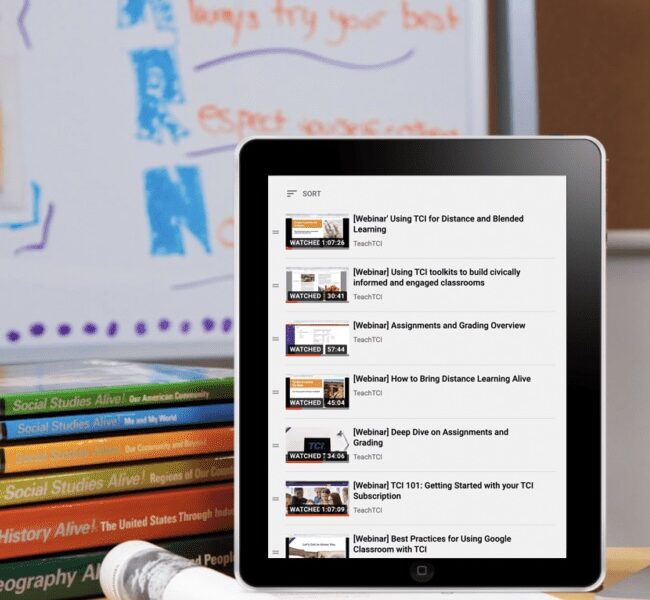
Set Up for Success
- Sign in and set up. Use your district’s single sign-on, or sign in through TCI’s website. After signing in, double-check your programs and class details.
- Explore TCI activities. Start at the “Lesson Overview” page. Review the planning box and activity slideshow.
- Check out Professional Development courses. When you’re ready to go deeper, take a self-paced course in the “Professional Development” page. Explore the guide.
Ongoing Support
- Platform updates: See what’s new with TCI.
- TCI Facebook Community: Connect with other educators.
- Getting Started Guide: Sign in and get set up in minutes.
- Assessment Overview: Use tools to track student progress.
- Professional Learning: Access webinars, training, and more.
- Help Center: Find FAQs and troubleshooting guides.
- Contact Us: Need help? Reach out to our Support team.
Tech Admins: Preparing Your District
Check out our Back to School webinar for a walkthrough of TCI’s admin dashboard, including admin settings, user and program management, tech integrations, and more!
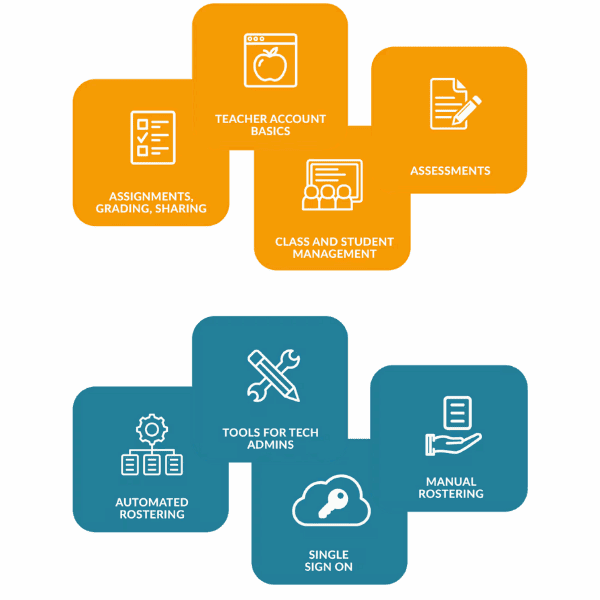
Set Up for Success
- Set up admin access:
- Sign into your TCI account or request admin access.
- Learn how to manage teacher and student accounts in the Admin portal.
- Set up rostering and integrations: Explore our guides.
- Finalize and notify teachers: Test and go live with rostering. Share access details with teachers so they can get started.
Ongoing Support
- Platform updates: See what’s new with TCI.
- User guides: Find step-by-step instructions for admins.
- Walkthrough of Admin Tools: Watch a recording of our latest Back to School webinar.
- Help Center: Find FAQs and troubleshooting guides.
- Contact Us: Need help? Reach out to our Support team.

Supporting Teachers
- Share access with teachers: Once materials arrive, send teachers this Getting Started Guide to help them navigate TCI.
- Implementation training: Invite teachers to attend a live, virtual implementation session for hands-on guidance.
Ordering Programs
- Get a quote: Connect with a TCI Sales Rep or our Customer Success team to determine quantities and license length.
- Submit your order: Email us your purchase order (PO).
- Track and manage: Use our ordering support FAQs to track your order and find answers.
Renewing Programs
Stay on top of your licenses and plan for next year. Renew your TCI programs.

We’re Here to Help!
Have a question for our team? Need help with purchasing or an order? Your TCI license or technical integrations? Perhaps a return or refund?